API Authentication: Token & Auth Guide
API Token
Before you can use our API, it is necessary to get the API token. This can be found under Account -> API. We have already pre-generated an API token for each user. At the point where you find your token, you can also activate or deactivate the API.
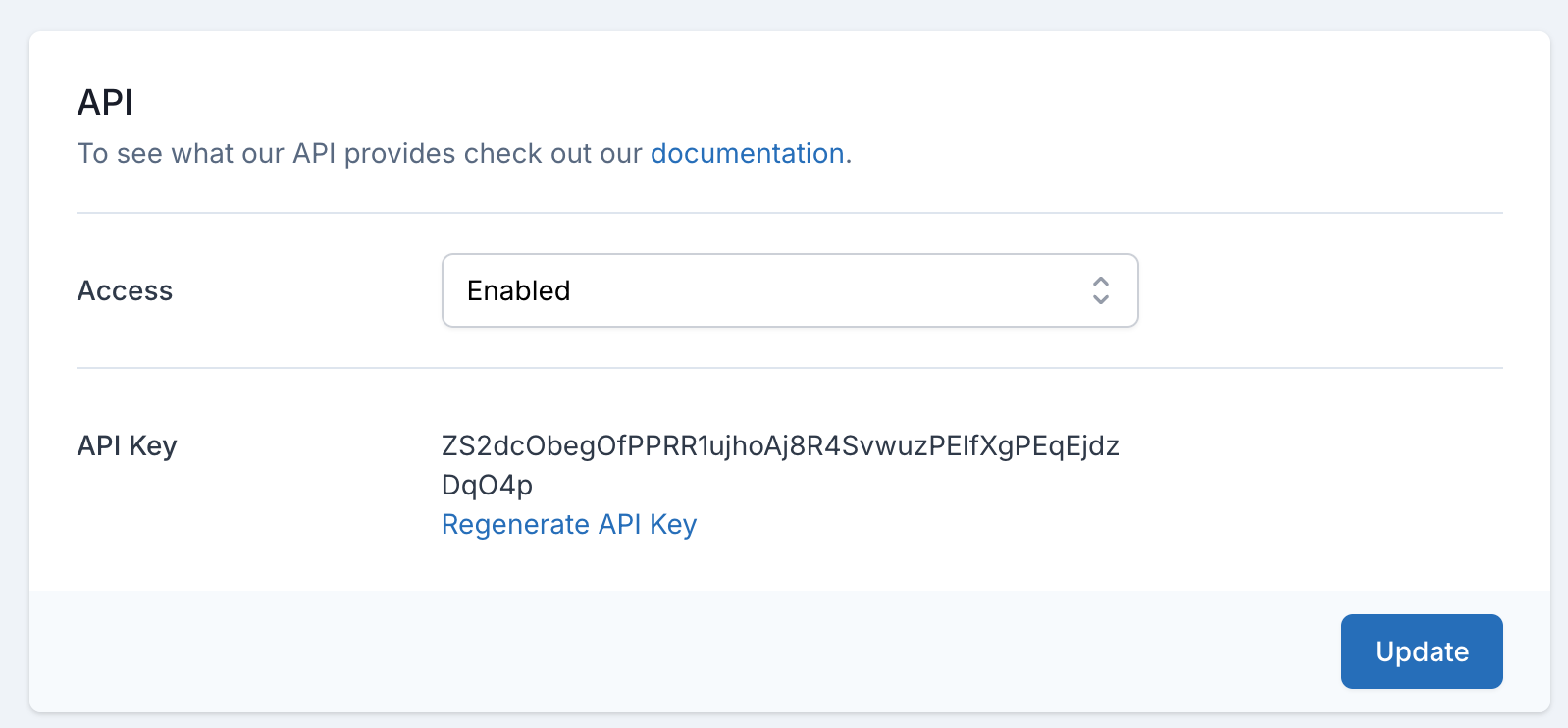 Activate your API now
As already mentioned there is the possibility to activate or deactivate the API. It is important that you activate your API now.
Authenticating
You have several possibilities to authenticate against our API.
Header
You can use your token to authenticate against our API with the Authorization header using Bearer, like this:
$ curl https://pingping.io/webapi/monitors \
  -H 'Authorization: Bearer LWRP5wxD7LiO243bcDt3udOCJnphr44bdsImRviN6LSf23nK' \
  -H 'Accept: application/json' \
  -H 'Content-Type: application/json'
Query parameter
You can use the GET Query Parameter api_key to authenticate as well.
$ curl "https://pingping.io/webapi/monitors?api_key=LWRP5wxD7LiO243bcDt3udOCJnphr44bdsImRviN6LSf23nK" \
  -H 'Accept: application/json' \
  -H 'Content-Type: application/json'